
Small-parts bin counts
Use locations for drawers, bins, benches, and shelves so tiny components do not disappear into generic stock.
Electronics repair teams need accurate parts and device inventory across benches, bins, drawers, intake shelves, and repair queues. Inventory Mobile helps staff scan labels, count small components, track serials, record condition, and export files for operations.
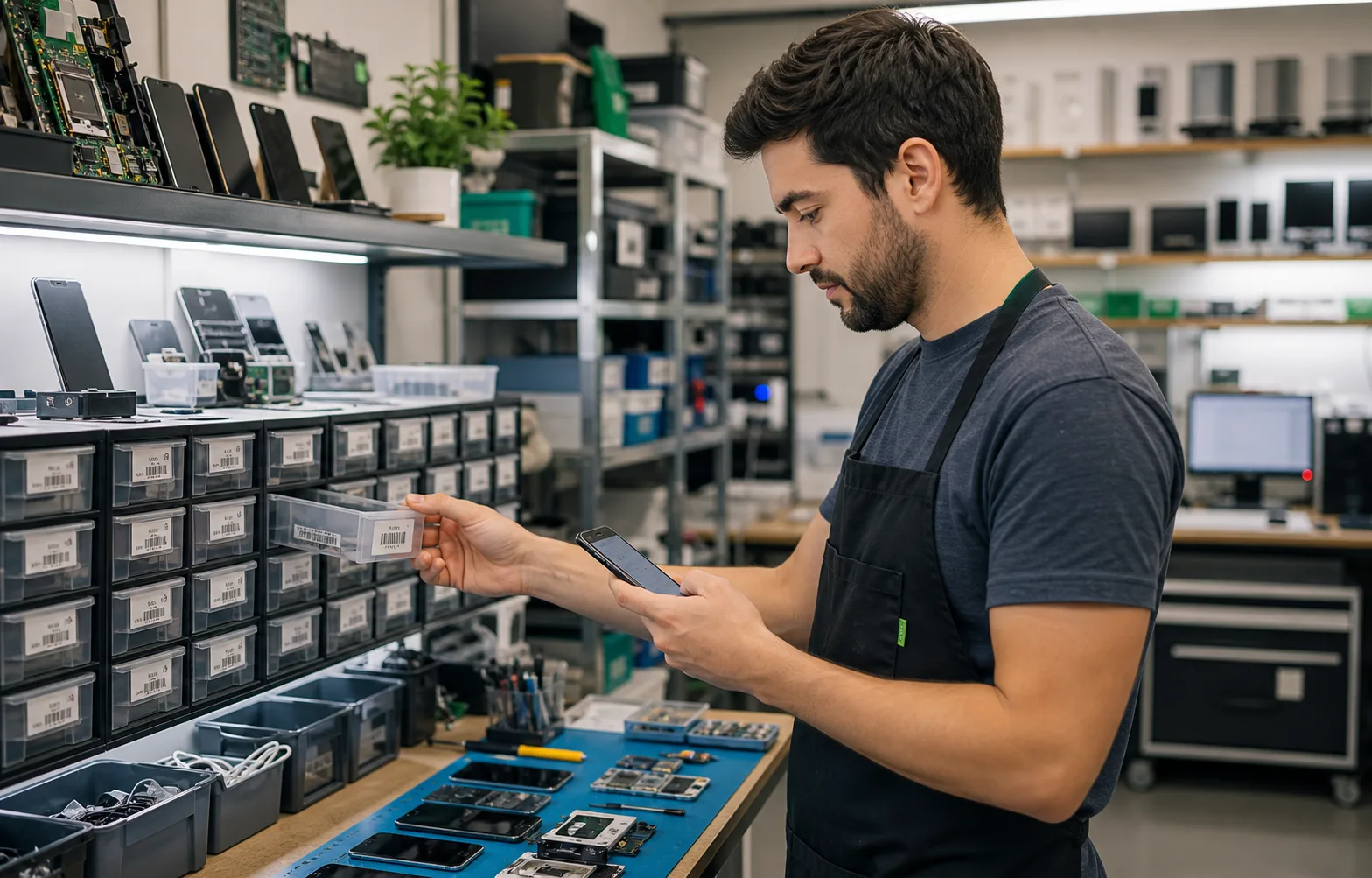
Electronics repair inventory app works best when the team needs a fast mobile count, clear locations, and export-ready results.
Use these workflows as a starting point, then adjust locations, fields, labels, and permissions around your real count process.
Use locations for drawers, bins, benches, and shelves so tiny components do not disappear into generic stock.
Track compatible models, part families, supplier, warranty status, or repair stage with custom fields.
Export quantity, bin, condition, serial, and model fields for purchasing and repair planning.
Core features stay the same, but the page setup can match the operational details that matter most for electronics repair.
Explore free inventory toolsCapture device serial numbers, internal asset IDs, model compatibility, or repair notes.
Attach photos for devices, damage, part labels, or unusual components.
Print labels for drawers, bins, devices, or parts that need consistent identifiers.
Share inventories with technicians, parts managers, or supervisors.
Start with a simple structure. The best inventory pages are useful because the fields match how people already count.
Answers focused on this industry page and the way teams usually count stock, assets, or supplies.
Yes. Custom fields can store serial number, asset ID, customer reference, repair status, and notes.
Yes. Barcode and QR labels can be printed for bins, drawers, shelves, and devices.
Yes. Image fields can be used for damage, labels, or part identification.
Yes. Shared inventories and permissions support team workflows when sync is enabled.
Compare similar inventory workflows and choose the setup that matches your operation.
Install Mobile Inventory, import your list, scan items, and export results when the count is done.
Try free - 30 days