
Van and technician counts
Count each van or technician kit as a location, then export what needs replenishment before the next route.
Service teams lose time when parts are in the wrong van, tools are missing, or replenishment lists are unclear. Inventory Mobile helps technicians and supervisors count van stock, scan parts, record condition, and export lists for replenishment or audits.
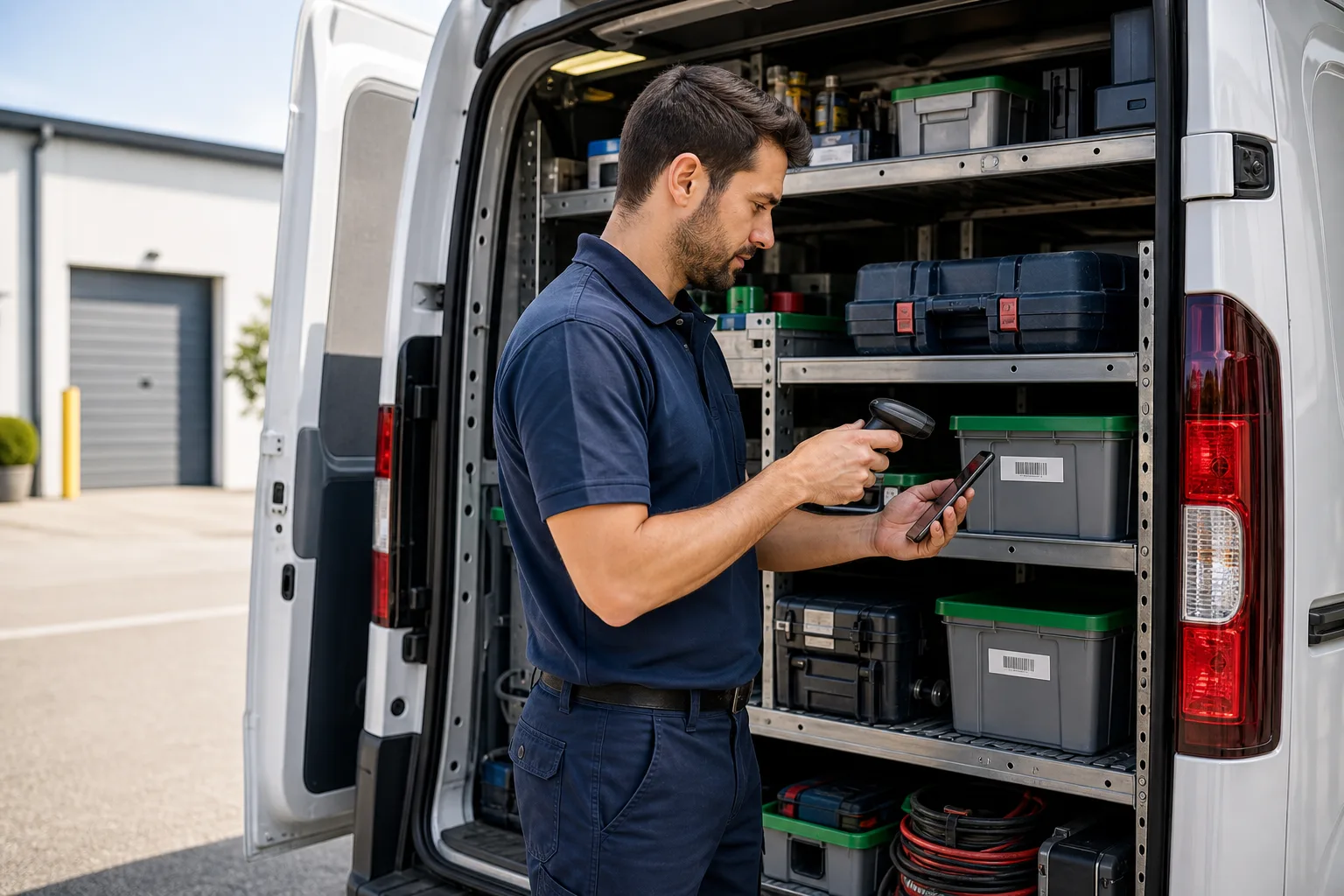
Field service inventory app works best when the team needs a fast mobile count, clear locations, and export-ready results.
Use these workflows as a starting point, then adjust locations, fields, labels, and permissions around your real count process.
Count each van or technician kit as a location, then export what needs replenishment before the next route.
Custom fields can hold part number, compatible model, minimum stock, condition, owner, or service notes.
Technicians can count or update stock on-site, then sync or export once they are connected.
Core features stay the same, but the page setup can match the operational details that matter most for field service.
Explore free inventory toolsRepresent vans, depots, routes, technicians, client sites, and temporary storage as locations.
Use minimum stock fields to help identify what needs replenishment.
Barcode scanner support helps teams count high-volume parts quickly.
Create files for replenishment, audits, or parts desk review.
Start with a simple structure. The best inventory pages are useful because the fields match how people already count.
Answers focused on this industry page and the way teams usually count stock, assets, or supplies.
Yes. Locations can represent vans, technicians, depots, routes, or client sites.
Yes. Offline counting is useful in the field and can sync when the device reconnects.
Yes. Custom fields can store minimum stock or replenishment notes for each item.
Yes. Exported files can include van, quantity, minimum stock, part number, and notes.
Compare similar inventory workflows and choose the setup that matches your operation.
Install Mobile Inventory, import your list, scan items, and export results when the count is done.
Try free - 30 days