
Scan asset tags
Use barcode or QR labels to find a device quickly and confirm who has it, where it is, and what condition it is in.
IT teams need accurate lists of devices, peripherals, network gear, spares, and assigned equipment. Inventory Mobile helps staff scan asset tags or barcodes, update locations and owners, record condition, and export a clean device inventory.
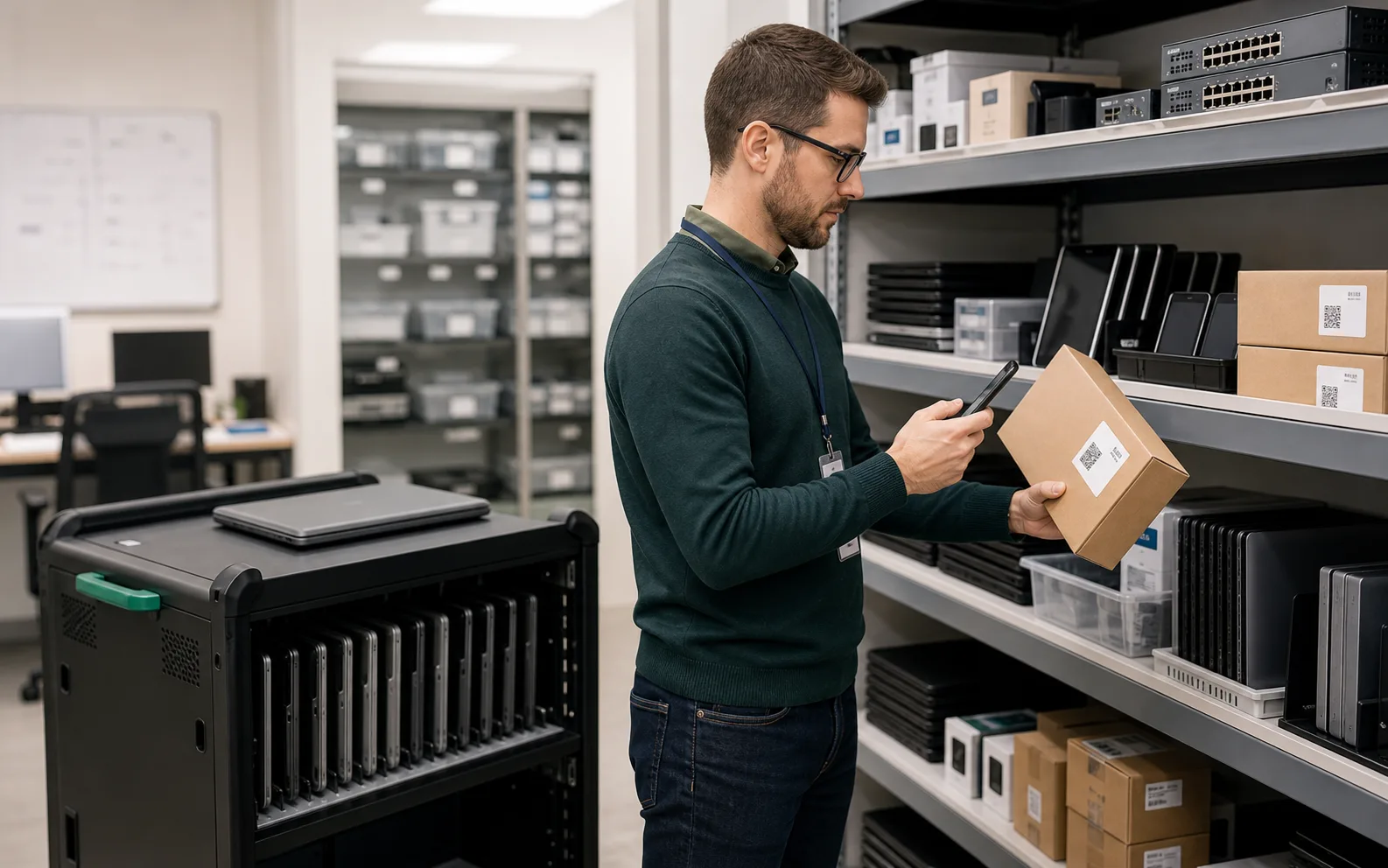
IT asset inventory app works best when the team needs a fast mobile count, clear locations, and export-ready results.
Use these workflows as a starting point, then adjust locations, fields, labels, and permissions around your real count process.
Use barcode or QR labels to find a device quickly and confirm who has it, where it is, and what condition it is in.
Custom fields can store employee, department, room, status, warranty end, or replacement cycle.
Export asset tag, serial number, owner, status, and location fields for review by IT, finance, or auditors.
Core features stay the same, but the page setup can match the operational details that matter most for it assets.
Explore free inventory toolsPrint QR or barcode labels for devices and equipment that need consistent asset IDs.
Track manufacturer serials, internal asset tags, warranty notes, and purchase dates.
Add images for equipment condition, model identification, or damage notes.
Share asset records with finance, insurance, support, or procurement teams.
Start with a simple structure. The best inventory pages are useful because the fields match how people already count.
Answers focused on this industry page and the way teams usually count stock, assets, or supplies.
Yes. Use separate fields for manufacturer serial number, internal asset tag, barcode, and owner.
Yes. Barcode and QR labels can be printed from the web interface.
Yes. Create owner, department, room, or assignee fields and include them in exports.
It is best for practical device counts and exports. Some teams use it alongside ITSM or finance systems.
Compare similar inventory workflows and choose the setup that matches your operation.
Install Mobile Inventory, import your list, scan items, and export results when the count is done.
Try free - 30 days