
Volunteer-friendly counting
Simple scan, search, and quantity workflows help volunteers contribute without learning a complex inventory system.
Nonprofits often receive mixed donations, distribute supplies quickly, and rely on volunteers with different levels of training. Inventory Mobile helps teams count items, label storage areas, add notes or photos, and export lists for program managers or reporting.
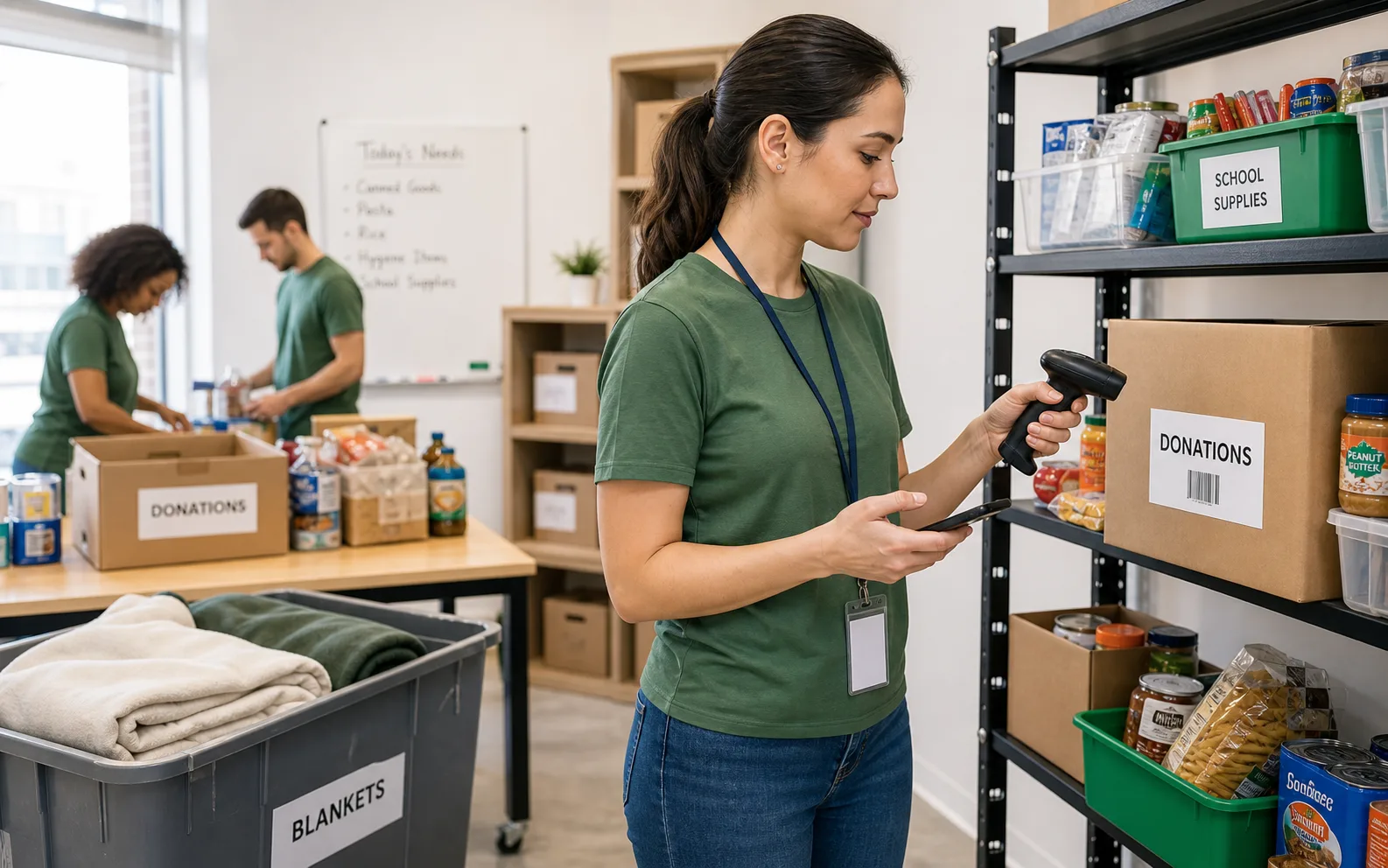
Nonprofit inventory app works best when the team needs a fast mobile count, clear locations, and export-ready results.
Use these workflows as a starting point, then adjust locations, fields, labels, and permissions around your real count process.
Simple scan, search, and quantity workflows help volunteers contribute without learning a complex inventory system.
Custom fields can capture donor, program, restrictions, condition, expiry, or distribution status.
Export reviewed lists for managers, partners, audits, grants, or board reporting.
Core features stay the same, but the page setup can match the operational details that matter most for nonprofits.
Explore free inventory toolsCount items from phones in storage rooms, pantries, vans, or event spaces.
Group items by program, donor, restriction, expiry, condition, or item type.
Create QR or barcode labels for shelves, bins, kits, and recurring supplies.
Provide spreadsheet files to program, finance, or grant teams.
Start with a simple structure. The best inventory pages are useful because the fields match how people already count.
Answers focused on this industry page and the way teams usually count stock, assets, or supplies.
Yes. The mobile workflow is practical for volunteer counts, especially when locations and fields are prepared in advance.
Yes. Date fields can support expiry checks and rotation reviews.
Yes. Photo fields can help identify donated equipment, kits, or mixed-item categories.
Yes. Excel/CSV exports can support internal reporting, partner updates, or grant documentation.
Compare similar inventory workflows and choose the setup that matches your operation.
Install Mobile Inventory, import your list, scan items, and export results when the count is done.
Try free - 30 days