
Location confirmation
Scan item or shelf labels and confirm room, cabinet, shelf, box, or exhibit location.
Museums, galleries, and archives need organized records for objects, storage locations, exhibit movement, condition checks, and documentation. Inventory Mobile gives teams a simple mobile workflow for scanning labels, confirming locations, adding photos or notes, and exporting collection lists.
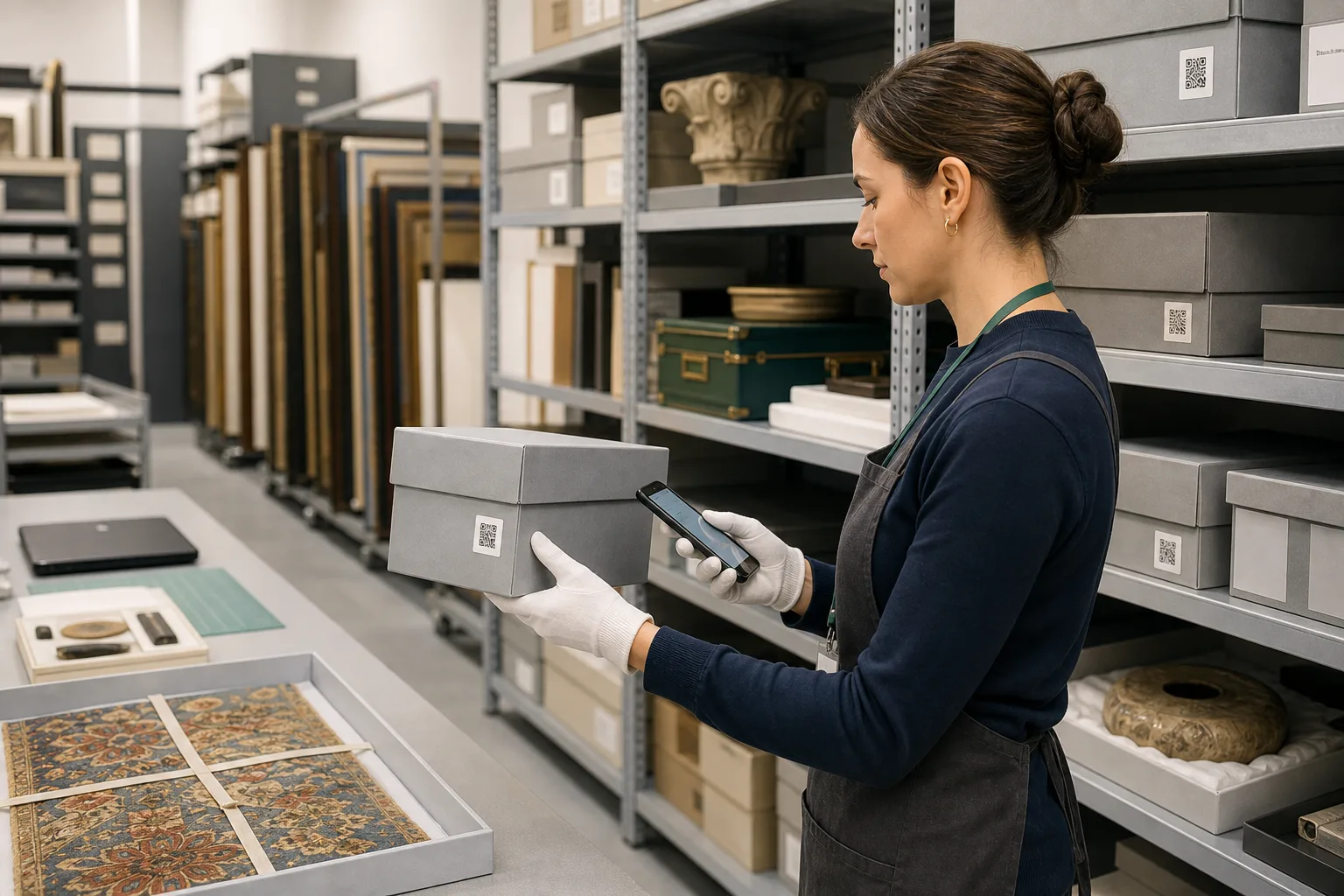
Museum inventory app works best when the team needs a fast mobile count, clear locations, and export-ready results.
Use these workflows as a starting point, then adjust locations, fields, labels, and permissions around your real count process.
Scan item or shelf labels and confirm room, cabinet, shelf, box, or exhibit location.
Custom fields and photos can capture condition notes, handling notes, owner, loan status, or documentation gaps.
Export filtered lists for registrars, curators, insurance review, or project planning.
Core features stay the same, but the page setup can match the operational details that matter most for museums and archives.
Explore free inventory toolsTrack accession number, object type, owner, condition, loan status, collection, or handling notes.
Attach images for identification, condition, labels, or storage context.
Represent rooms, cabinets, shelves, boxes, galleries, crates, or temporary spaces.
Share practical inventory files with collection, operations, or insurance teams.
Start with a simple structure. The best inventory pages are useful because the fields match how people already count.
Answers focused on this industry page and the way teams usually count stock, assets, or supplies.
Yes. Custom fields and photos can support condition notes and documentation workflows.
Yes. Locations can represent rooms, cabinets, shelves, boxes, galleries, crates, or temporary spaces.
Yes. Excel/CSV exports can include object identifiers, locations, condition, and notes.
No. It is best for mobile inventory counts and exports, and can be used alongside collection systems.
Compare similar inventory workflows and choose the setup that matches your operation.
Install Mobile Inventory, import your list, scan items, and export results when the count is done.
Try free - 30 days