
Floor and closet counts
Housekeeping teams can count stock by floor, closet, or linen room and keep local quantities organized.
Hotels hold stock across housekeeping closets, linen rooms, bars, kitchens, maintenance stores, and event spaces. Inventory Mobile helps teams count items by location, capture notes or photos, and export updated lists for purchasing and operations.
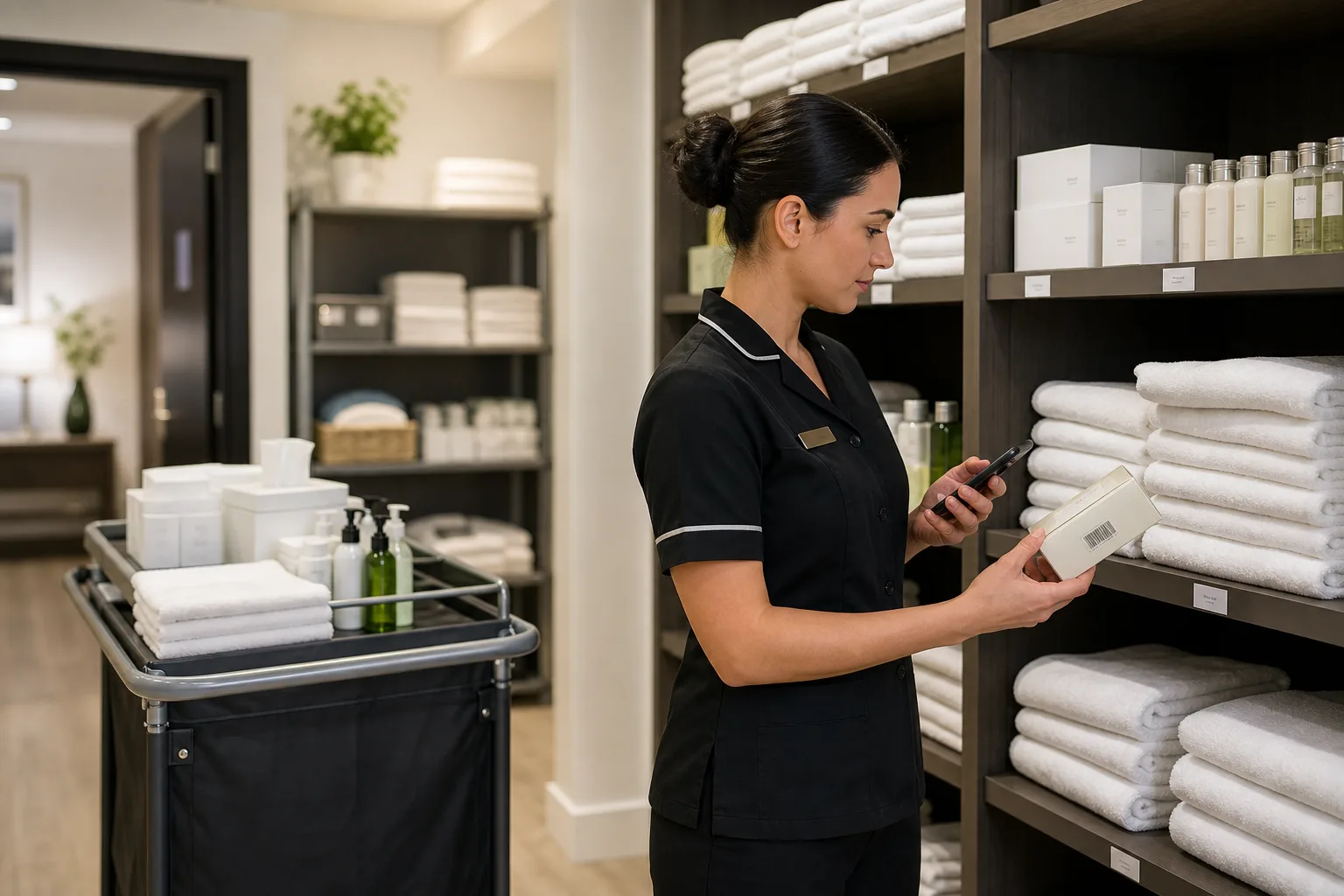
Hotel inventory app works best when the team needs a fast mobile count, clear locations, and export-ready results.
Use these workflows as a starting point, then adjust locations, fields, labels, and permissions around your real count process.
Housekeeping teams can count stock by floor, closet, or linen room and keep local quantities organized.
Custom fields can identify department, owner, par level, supplier, condition, or replacement schedule.
Export clear count files for purchasing, housekeeping supervisors, maintenance, or property management.
Core features stay the same, but the page setup can match the operational details that matter most for hotels.
Explore free inventory toolsRepresent floors, rooms, closets, storage areas, bars, kitchens, and maintenance rooms as locations.
Attach photos for equipment, furniture, decor, or supplies that are easier to identify visually.
Several staff members can count assigned areas and consolidate results.
Excel/CSV exports keep purchasing and finance workflows straightforward.
Start with a simple structure. The best inventory pages are useful because the fields match how people already count.
Answers focused on this industry page and the way teams usually count stock, assets, or supplies.
Yes. Custom fields can separate consumables, equipment, furniture, linens, and reusable items.
Yes. Locations and custom fields can represent floors, closets, rooms, departments, or storerooms.
Yes. Shared inventory workflows can support multiple users when team sync is enabled.
You can filter and export the inventory data needed for a department or review workflow.
Compare similar inventory workflows and choose the setup that matches your operation.
Install Mobile Inventory, import your list, scan items, and export results when the count is done.
Try free - 30 days